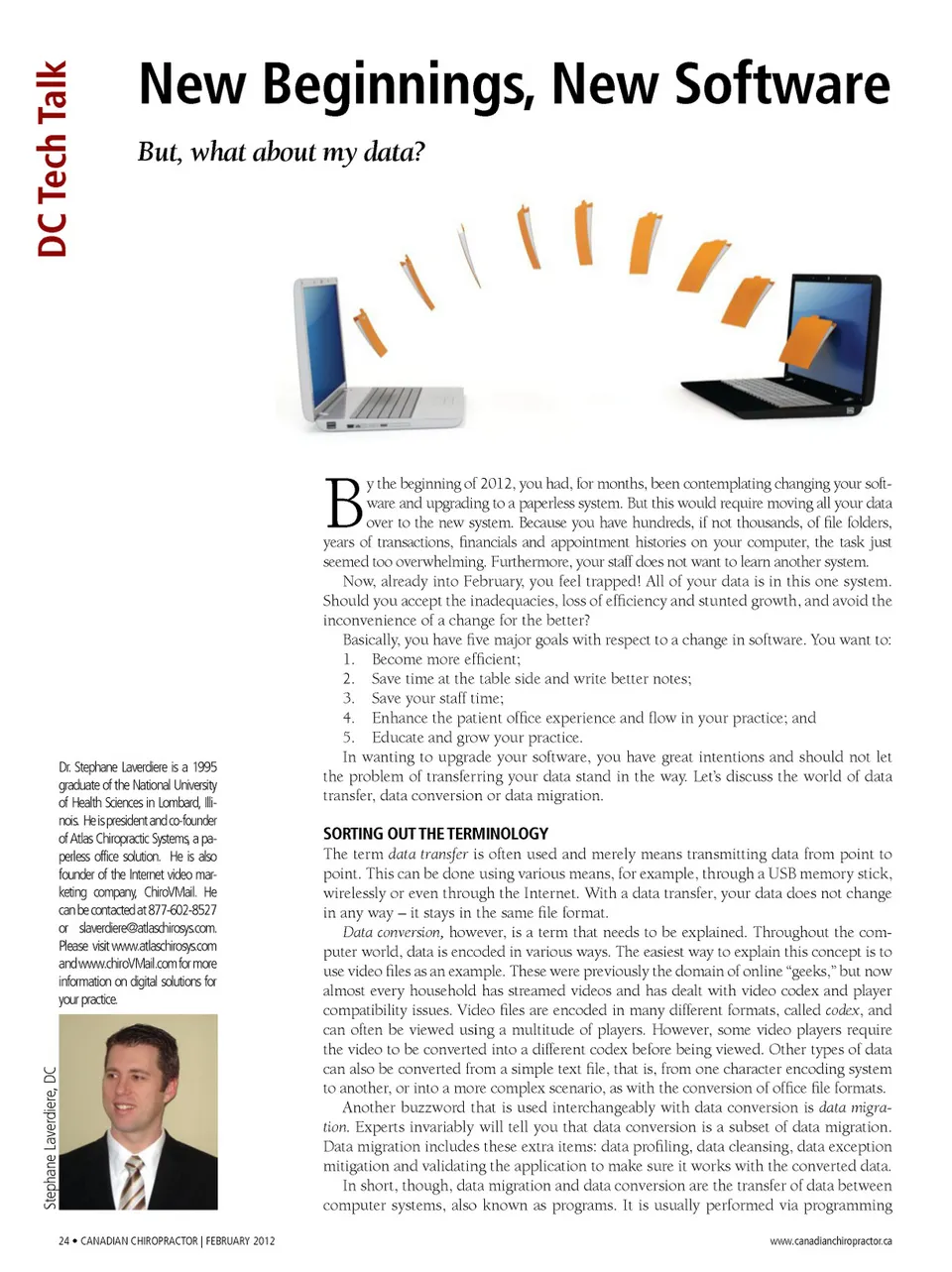
DC Tech Talk New Beginnings, New Software But, what about my data? B Dr. Stephane Laverdiere is a 1995 graduate of the National University of Health Sciences in Lombard, Illi-nois. He is president and co-founder of Atlas Chiropractic Systems, a pa-perless office solution. He is also founder of the Internet video mar-keting company, ChiroVMail. He can be contacted at 877-602-8527 or [email protected]. Please visit www.atlaschirosys.com and www.chiroVMail.com for more information on digital solutions for your practice. y the beginning of 2012, you had, for months, been contemplating changing your soft-ware and upgrading to a paperless system. But this would require moving all your data over to the new system. Because you have hundreds, if not thousands, of file folders, years of transactions, financials and appointment histories on your computer, the task just seemed too overwhelming. Furthermore, your staff does not want to learn another system. Now, already into February, you feel trapped! All of your data is in this one system. Should you accept the inadequacies, loss of efficiency and stunted growth, and avoid the inconvenience of a change for the better? Basically, you have five major goals with respect to a change in software. You want to: 1. Become more efficient; 2. Save time at the table side and write better notes; 3. Save your staff time; 4. Enhance the patient office experience and flow in your practice; and 5. Educate and grow your practice. In wanting to upgrade your software, you have great intentions and should not let the problem of transferring your data stand in the way. Let’s discuss the world of data transfer, data conversion or data migration. SORTING OUT THE TERMINOLOGY The term data transfer is often used and merely means transmitting data from point to point. This can be done using various means, for example, through a USB memory stick, wirelessly or even through the Internet. With a data transfer, your data does not change in any way – it stays in the same file format. Data conversion, however, is a term that needs to be explained. Throughout the com-puter world, data is encoded in various ways. The easiest way to explain this concept is to use video files as an example. These were previously the domain of online “geeks,” but now almost every household has streamed videos and has dealt with video codex and player compatibility issues. Video files are encoded in many different formats, called codex , and can often be viewed using a multitude of players. However, some video players require the video to be converted into a different codex before being viewed. Other types of data can also be converted from a simple text file, that is, from one character encoding system to another, or into a more complex scenario, as with the conversion of office file formats. Another buzzword that is used interchangeably with data conversion is data migra-tion. Experts invariably will tell you that data conversion is a subset of data migration. Data migration includes these extra items: data profiling, data cleansing, data exception mitigation and validating the application to make sure it works with the converted data. In short, though, data migration and data conversion are the transfer of data between computer systems, also known as programs. It is usually performed via programming www.canadianchiropractor.ca Stephane Laverdiere, DC 24 • CANADIAN CHIROPRACTOR | FEBRUARY 2012
Chiropractic + Naturopathic Doctor February 2012: Page 24